How I Built an MCP Server That Saves AI Agents Thousands of Tokens Per Package Decision
By Jorge Morais · · 5 min read
When AI coding assistants need to evaluate an npm package, they do what any developer would: search the web, read READMEs, check vulnerability databases, compare alternatives. The difference is that every step costs tokens, and tokens cost money and time.
How I Built an MCP Server That Saves AI Agents Thousands of Tokens Per Package Decision
When AI coding assistants need to evaluate an npm package, they do what any developer would: search the web, read READMEs, check vulnerability databases, compare alternatives. The difference is that every step costs tokens, and tokens cost money and time.
I built depguard.ai to solve this. It's an MCP server that audits npm packages and returns structured, compact results in a single call. Instead of 11,000+ tokens of web searches and page fetches, the AI gets ~50 tokens of actionable JSON.
The problem I kept running into
I use AI coding assistants daily. Every time I needed a new dependency, the conversation would go something like this:
- "Find me a good library for Excel export"
- The agent searches the web, reads a comparison article (3,000-5,000 tokens)
- Checks the npm page for the top result (another 3,000 tokens)
- Searches for known vulnerabilities (800 tokens + page fetch)
- Repeats for alternatives
- Finally gives me a recommendation
For a single package decision, the agent would burn 10,000-25,000 tokens. Multiply that by every dependency decision across a project, and it adds up fast.
The moment that convinced me to build this
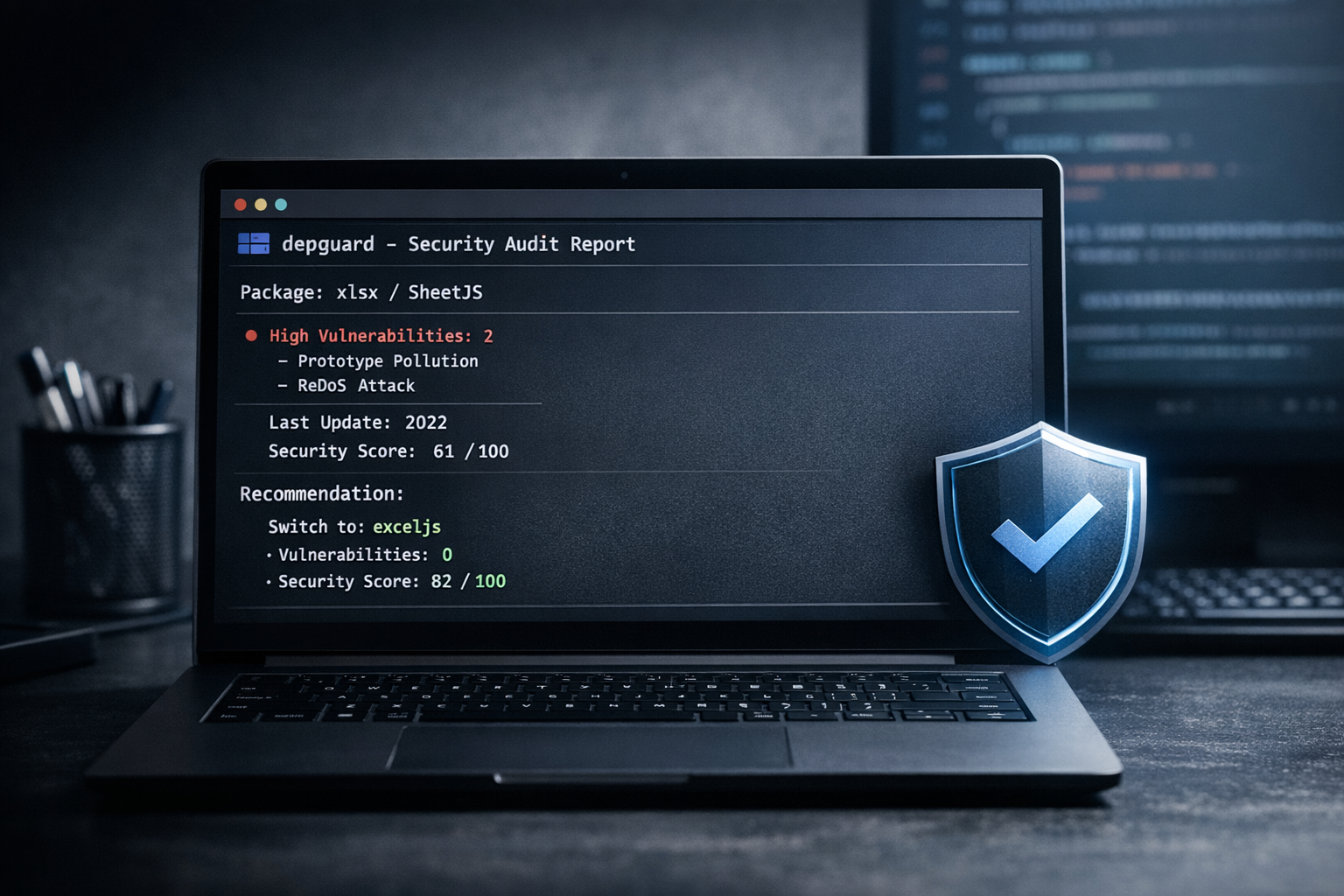
I was adding Excel export to a project. The most popular package — xlsx (SheetJS) - has 6.8 million weekly downloads. Seems like a safe choice, right?
Wrong. When I ran it through depguard:
- 2 HIGH vulnerabilities - Prototype Pollution (CVE score 7.8) and ReDoS (CVE score 7.5)
- Last published in 2022 - effectively abandoned
- Score: 61/100
The alternative, exceljs: zero vulnerabilities, last published December 2024, score 82/100.
Without this check, my AI assistant would have happily installed the more popular package. Downloads don't equal security.
What depguard does
depguard.ai is a tool that audits npm packages across five dimensions:
| Dimension | Weight | What it checks |
|---|---|---|
| Security | 30% | CVEs, GitHub advisories, known vulnerabilities |
| Maintenance | 25% | Last publish date, version count, deprecation status |
| Popularity | 20% | Weekly downloads on a logarithmic scale |
| License | 15% | Compatibility with your project's license (15+ SPDX identifiers) |
| Dependencies | 10% | Dependency count, suspicious install scripts |
It exposes four tools:
audit- Full security report for a packagescore- Score from 0 to 100 with breakdownsearch- Find packages by keywords, ranked by qualityshould_use- Given an intent like "date formatting", recommend whether to install a package or write from scratch
How it works as an MCP server
MCP (Model Context Protocol) is an open standard that lets AI agents call external tools. depguard implements a zero-dependency MCP server over stdio, no frameworks, no runtime dependencies, just Node.js built-in APIs.
When an AI agent needs to evaluate a package, instead of doing multiple web searches, it calls depguard once:
Agent → MCP (JSON-RPC) → depguard → npm Registry APIs
                                   → GitHub Advisory Database
                                   → npm Downloads API
The response is structured JSON with everything the agent needs to make an informed decision.
Compatible with any MCP client
depguard works with any AI tool that supports MCP:
- Claude Code
- Claude Desktop
- Cursor
- Windsurf
- Continue.dev
- Cline / Roo Code
Setup is the same everywhere:
{
  "mcpServers": {
    "depguard": {
      "command": "depguard-mcp",
      "args": []
    }
  }
}
Token savings — measured, not estimated
Every response from depguard includes a tokenSavings field that quantifies exactly how much the AI saved:
{
  "name": "lodash",
  "total": 96,
  "breakdown": {
    "security": 100,
    "maintenance": 100,
    "popularity": 80,
    "license": 100,
    "dependencies": 100
  },
  "tokenSavings": {
    "responseTokens": 47,
    "manualEstimate": 11100,
    "saved": 11053,
    "percentSaved": 100,
    "manualSteps": [
      "WebSearch: npm quality/maintenance (~800 tokens)",
      "WebFetch: npm registry page (~3000 tokens)",
      "WebFetch: GitHub repo (~3000 tokens)",
      "WebSearch: vulnerabilities (~800 tokens)",
      "WebFetch: advisories page (~3000 tokens)",
      "Reasoning: compute score (~500 tokens)"
    ]
  }
}
47 tokens instead of 11,100. That's a 99.6% reduction for a single package lookup.
For the should_use tool, which searches, audits, and compares multiple packages, the savings are even larger, easily 25,000+ tokens reduced to a few hundred.
It's also a CLI
You don't need an AI agent to use depguard. It works as a standalone CLI:
# Install globally
npm install -g depguard.ai

# Audit a package
depguard audit express

# Score a package
depguard score lodash --json

# Search for packages
depguard search "date formatting" --limit 5

# Should I install or write my own?
depguard should-use "http client" --threshold 70
Design decisions
A few choices I made that I think matter:
Zero runtime dependencies. depguard uses only Node.js built-in APIs (fetch, readline, crypto). No supply chain risk from the tool that checks supply chain risk.
Never throws on network errors. If the npm registry is down or rate-limiting, depguard returns a degraded report with warnings instead of crashing. The AI agent can still make a decision with partial data.
100% offline test suite. All 54 tests use mock fetch functions. The test suite runs in under 300ms with zero network calls.
In-memory cache with TTL. Registry responses are cached for 5 minutes to avoid hammering the npm API during batch operations.
What's next
The roadmap includes:
- Dependency tree audit - recursively audit transitive dependencies
- Supply chain risk detection - typosquatting, suspicious maintainer changes
- Bundle size estimation - help decide if a package is worth the weight
- Persistent cache - survive process restarts
- Multi-ecosystem support - PyPI, Cargo, and Go modules
- CI integration - GitHub Action that audits PRs modifying
package.json
Try it
npm install -g depguard.ai
depguard audit <any-package>
Source: github.com/mopanc/depguard
Built with TypeScript. Licensed under Apache-2.0.